
Going live without bringing dispatch to a halt.
If you have read our pieces on weighbridge integration, gatepass control, stock tracking, dispatch and GST compliance, one practical question is probably sitting underneath all of them. What does switching over look like for a business that cannot stop running while it happens?
This post answers that honestly, without making it sound simpler than it is. It follows the six stages in Codelayer's ERP implementation method: discovery, solution design, development, testing, go-live and support.
The rollout at a glance
|
Stage |
What happens |
Who is involved from your side |
Milestone |
|
Discovery |
Your site's current process is mapped |
Owner, plant manager, weighbridge and accounts leads |
Signed-off process map |
|
Solution design |
The system is designed around that map |
Plant manager, accounts lead |
Approved design and scope |
|
Development |
Configuration, integrations and data preparation |
One named coordinator |
Working system on your data |
|
Testing and UAT |
Your staff run real scenarios |
Each checkpoint operator |
UAT sign-off |
|
Go-live |
Old and new run side by side, then cutover |
Everyone |
First full day on the new system |
|
Support |
Issues, refinements and health checks |
Coordinator, accounts lead |
Stable month-end close |
Discovery: understanding your site before any software
A rollout does not begin with configuration screens. It begins with how your quarry operates today. How is the weighbridge run? Who decides a gatepass? How is dispatch coordinated, and where do your stock figures come from?
The output is a written process map that your team reviews and signs off. It becomes the reference for every later decision.
Every quarry answers these differently. A rollout that skips this step produces a system that technically works but does not fit the site. This is the job of business analysis and consultation, and it is also where good habits worth keeping are identified. Our post on what to know before you buy any ERP explains why this stage decides most outcomes.
Solution design: fitting the system to the workflow
Next, the system is designed to match your workflow. Your workflow is not bent to match the system.
The design covers the full chain we mapped in the complete quarry and crusher workflow, from blasting to billing: planning, drilling and blasting records, excavation, crushing, screening, stock, sales orders, weighbridge, gatepass, dispatch and billing. Each stage is connected the way it needs to connect on your site.
Scope is also agreed here. You decide which functions go live first and which follow later.
Development: configuration, integration and your data
Three things happen in parallel during this stage.
Configuration and customisation. Standard functions are set up, and anything specific to your site is built through customisation and development. Examples include a royalty report in your format or an approval step at the gate.
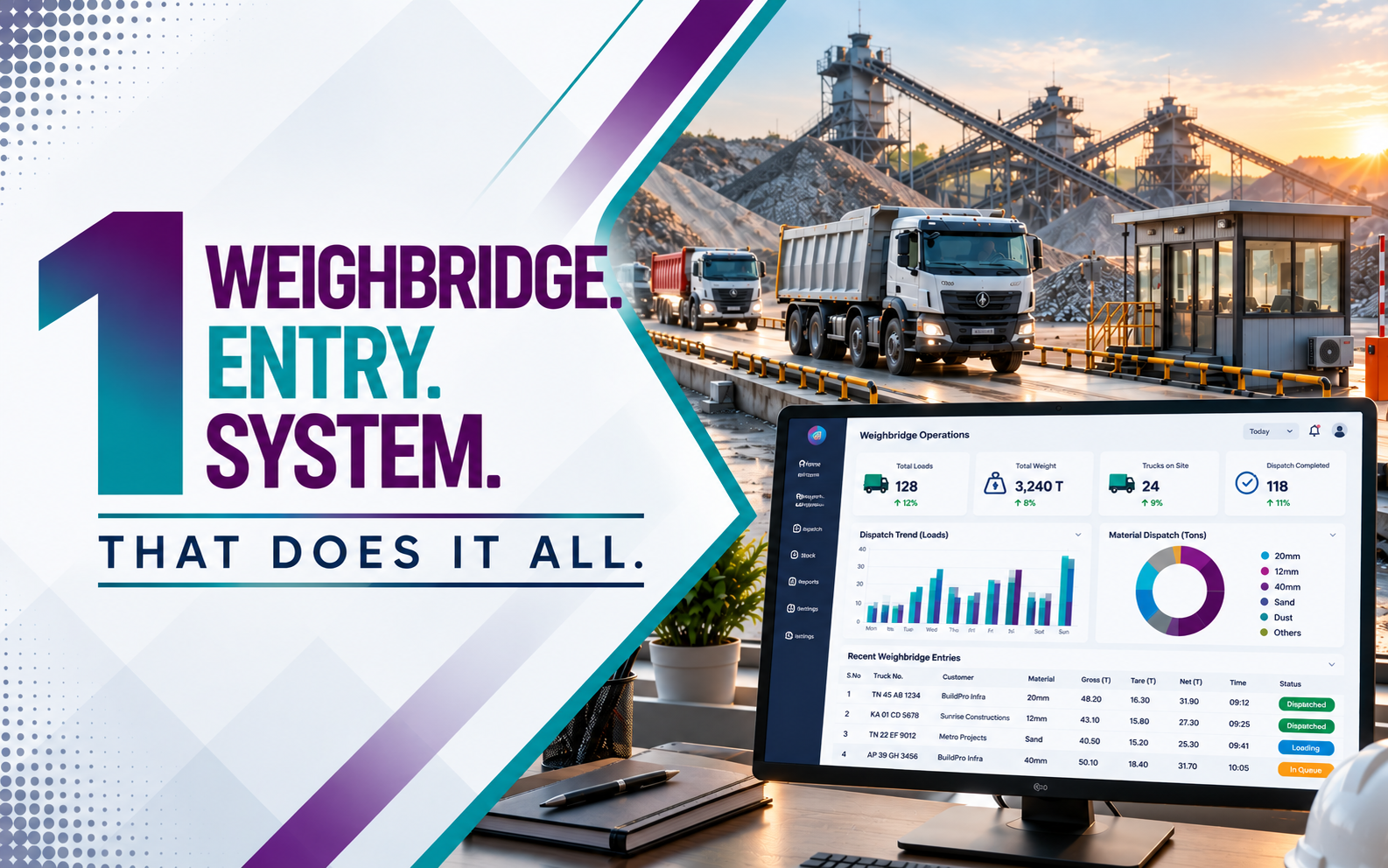
Hardware integration. The weighbridge is the critical connection. Codelayer's integration services link the scale to the system so weights are captured directly. Our piece on weighbridge integration explains why this link carries so much of the value.
Data migration. Most quarries have years of customer records, stock history, rate lists and vehicle details. Data migration cleans and moves what is usable, so day one does not start with an empty system. Expect questions here. Duplicate customers and outdated rates usually surface at this point.
Testing and training: the people at each checkpoint
This is the part most often underestimated.
The weighbridge operator, gate staff, dispatch supervisor and accounts team each use the system differently. Each needs to understand their own part, not just receive a login. Codelayer's training and user onboarding is role-based for that reason.
User acceptance testing then puts real scenarios through the system with your own people. Useful tests include:
- A normal load, from sales order to invoice
- A vehicle that arrives without an order
- A weighment that has to be cancelled and redone
- A credit customer who has reached their limit
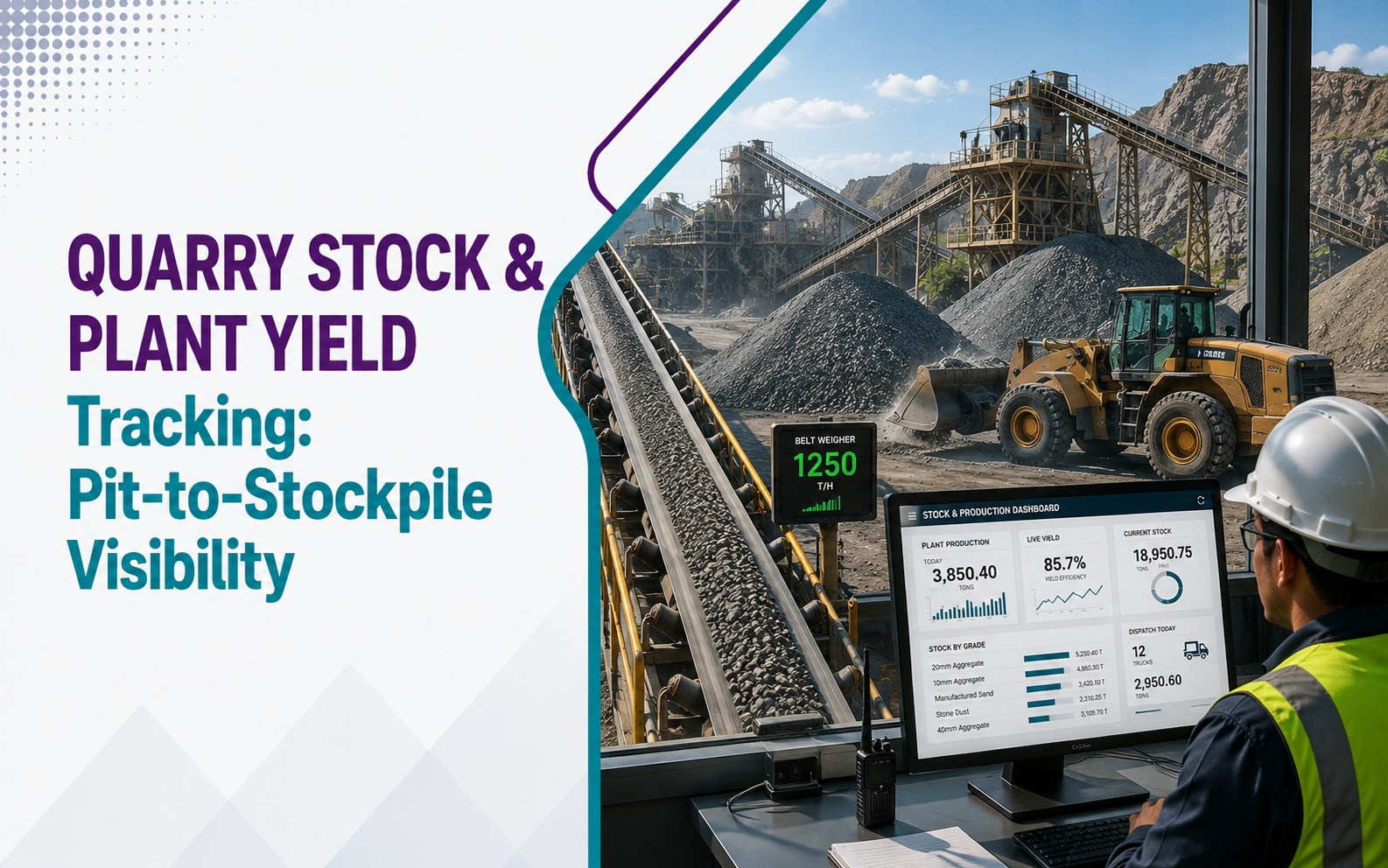
- A day's dispatch reconciled against stock, as covered in our post on quarry stock and plant yield tracking
A rollout succeeds or fails less on the software and more on whether the people at each checkpoint are comfortable with it.
Go-live: why dispatch does not have to stop
This is usually the biggest concern, and it is a fair one.
In practice, the new system typically runs in parallel with existing processes for a period. Old and new operate side by side before the full switch. There is no single hard cutover on day one.
A common pattern is to start with one checkpoint. The weighbridge moves to the new system first, while gate and billing continue as before. Once operators are confident, gatepass and invoicing follow. Each step is small enough to reverse, which is what keeps dispatch safe.
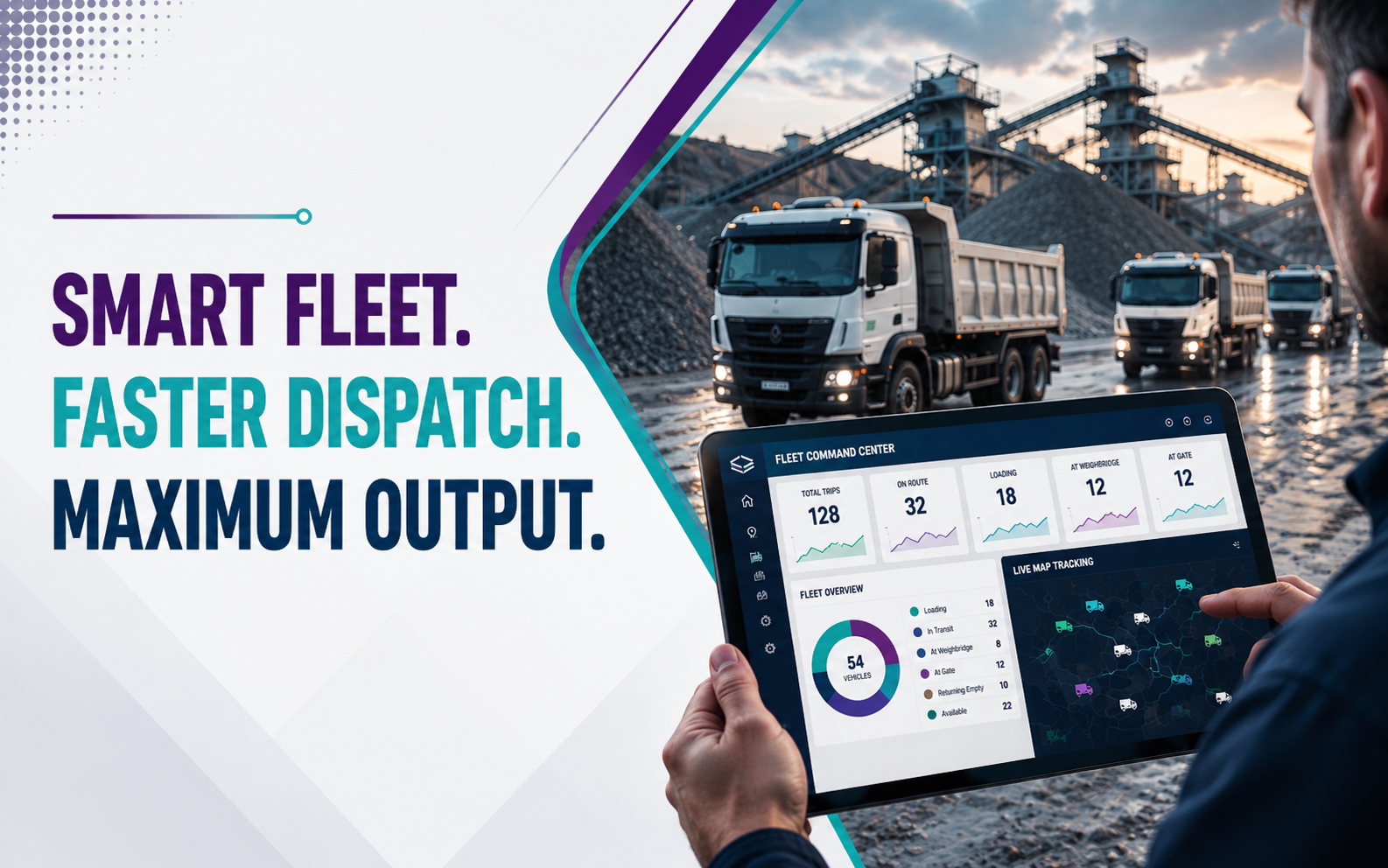
This is not disruption-free. Staff do some things twice during the overlap, and there is a real adjustment period. It is managed so that trucks keep moving. Planning go-live away from your peak dispatch season also helps, and our post on fleet and dispatch management shows where the pressure points are.
Anyone promising a completely seamless, zero-friction switch is not being straight about what change involves.
How long this takes
There is no single honest number that applies to every quarry. Timelines depend on three things.
- How many functions go live together. Weighbridge, gatepass, fleet, stock and billing at once is a larger project than starting with one or two.
- How ready your data is. Clean customer and rate masters shorten the work. Scattered registers lengthen it.
- How available your people are. Delayed sign-offs and missed training sessions stall a rollout more often than technical problems do.
This is why discovery comes first. A timeline given before anyone has seen your site is a guess.
What your team should prepare
- Name one internal coordinator with authority to make decisions
- Gather current registers, rate lists and customer records
- List the reports you rely on, including GST and royalty formats
- Decide which functions matter most in the first phase
- Tell staff early what is changing, and why
On the compliance side, our guide to GST and e-invoicing for quarry and crusher businesses lists what the system needs to produce.
After go-live: support is part of the rollout
Go-live is not the finish line. The first month-end close on the new system is the real test, and questions will come up. Expect small refinements too, such as a report layout or an approval rule, once staff use the system under real load.
Codelayer's maintenance and support covers that period. An annual maintenance contract then keeps the system healthy as your volumes, grades and reporting needs change.
Where Codelayer comes in
Each stage above maps to a service Codelayer delivers: analysis first, then customisation and integration, data migration, training, and long-term support. It is how GrowBiz ERP for quarry and crusher operations is put in place on working sites.
To talk through what a rollout would involve at your quarry, request a demo. You can also explore the GrowBiz ERP ecosystem to see how it extends across RMC, brick manufacturing and the other industries Codelayer serves.